
Download SC Video Converter – video converter, merge videos, split video, extract audio, extract image, free video tool, Android app
Overview
SC Video Converter is a mobile utility designed to simplify video file management for Android users. The app enables seamless conversion between common video formats such as AVI, MPEG (including MPEG-1 and MPEG-2), and WMV, helping users resolve playback incompatibility issues across devices. By supporting a range of file types, it ensures broader accessibility for videos stored on smartphones, tablets, or external storage.
The app also provides tools for merging multiple video clips into one continuous file or splitting a single video into smaller segments—ideal for organizing long recordings or preparing content for sharing. Additionally, users can extract audio tracks and still images from video files, which is particularly useful for repurposing content for podcasts, social media, or documentation. Designed for individuals who need quick, reliable video processing without complex workflows, SC Video Converter targets both casual users and those with basic editing needs.
The developer, SC Software, has positioned the app as a lightweight, no-cost solution for everyday video manipulation. Although the developer did not provide additional technical details, the app’s long-standing presence in the Android ecosystem since its release on April 19, 2007, suggests a level of stability and user trust. Its role as a free, format-agnostic tool underscores its importance in the mobile productivity space.
Key Features & Functionality
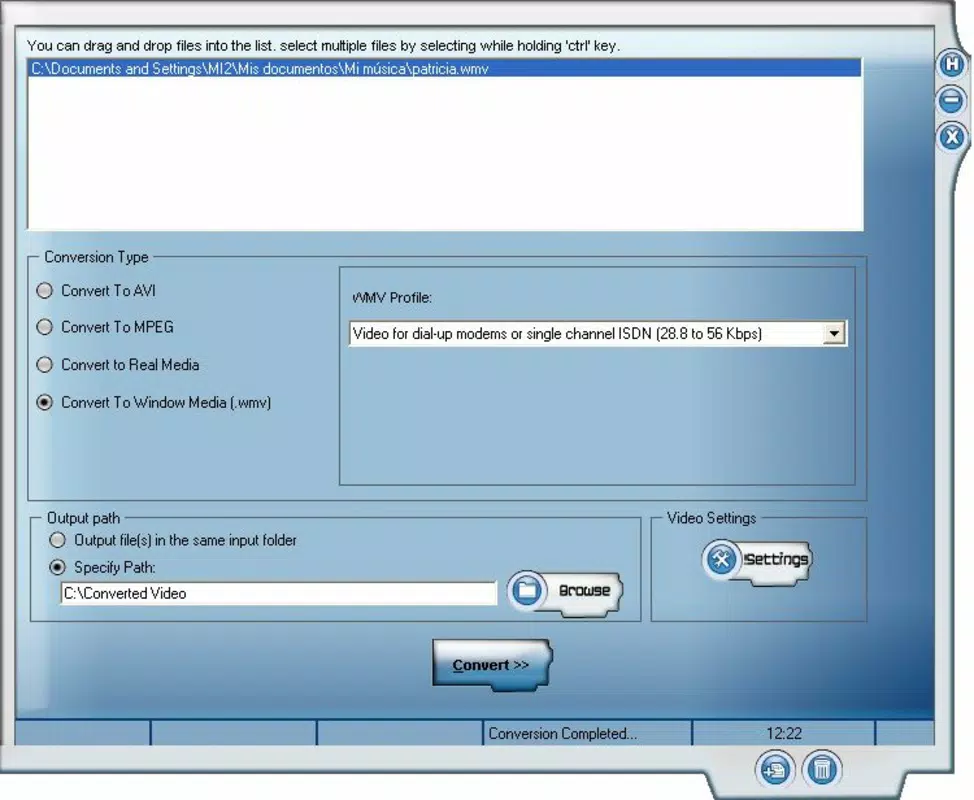
- Wide Format Support: SC Video Converter handles multiple video formats including AVI, MPEG-1, MPEG-2, and WMV, enabling users to convert files for compatibility with various devices and platforms.
- Merge and Split Videos: Users can combine several video clips into a single file or divide a large video into smaller, manageable parts—useful for creating custom playlists or reducing file size for email or messaging.
- Audio and Image Extraction: The app allows extraction of audio tracks and still images from video files, supporting content reuse for sound clips, thumbnails, or digital archives.
- Free to Use: All features are available at no cost, with no premium tiers, in-app purchases, or hidden fees—ideal for budget-conscious users seeking full functionality.
- User-Friendly Interface: The app features a simple, intuitive layout that allows users of all skill levels to perform conversions, merges, splits, and extractions without prior technical knowledge.
For example, a user preparing a travel vlog can merge clips shot on different days into one video, extract a memorable audio quote for a social media post, and convert the final file to a format compatible with a smart TV. Another user might split a long lecture video into chapter segments for easier navigation. These real-world applications demonstrate how SC Video Converter addresses common challenges in personal media management, offering practical solutions without requiring advanced editing software.
Interface, UX & Performance
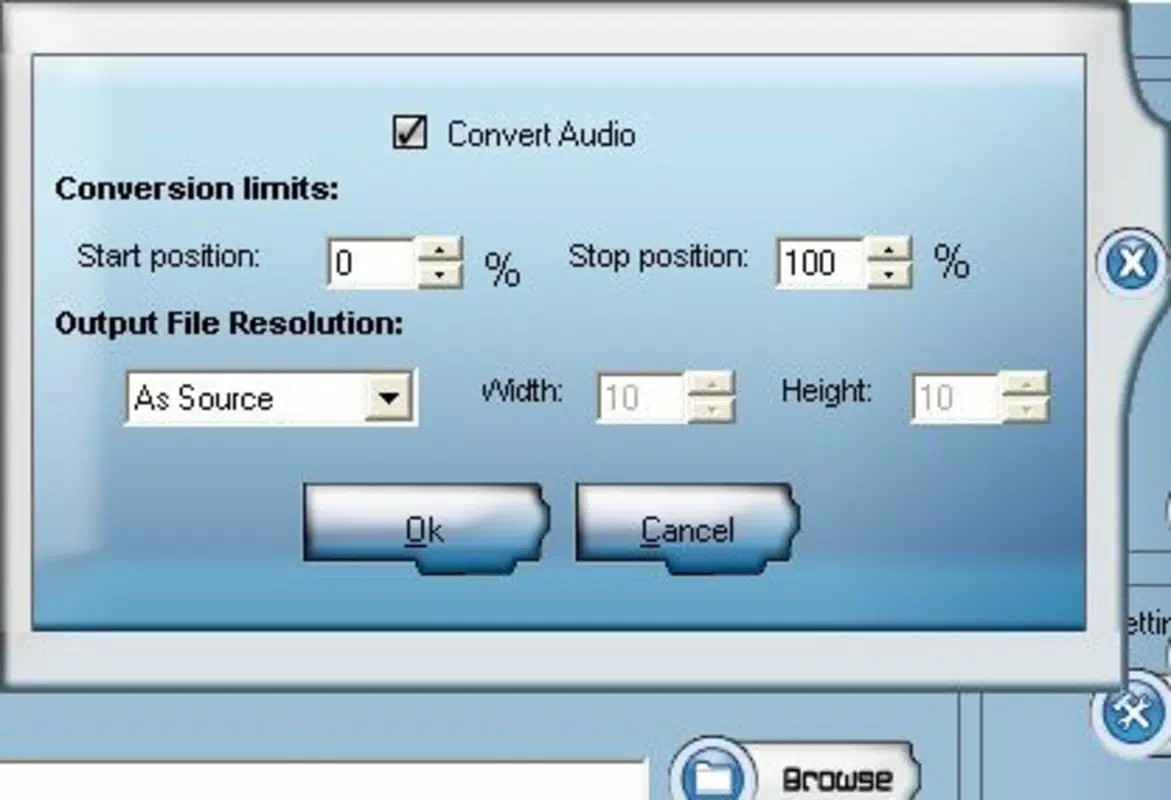
The user interface of SC Video Converter is designed with simplicity in mind, prioritizing accessibility over visual complexity. Navigation appears to be linear and task-oriented, with clearly labeled options for conversion, merging, splitting, and extraction. The layout likely uses minimalistic icons and straightforward text to guide users through each step, reducing cognitive load.
While the developer did not specify formal performance metrics, the app’s small file size of 2.3 MB suggests a lightweight footprint, which typically correlates with efficient memory usage and fast startup times. Although the developer did not list formal performance metrics, the app’s long-standing availability indicates consistent stability across various Android devices. Users can expect responsive interactions, with minimal lag during basic operations such as file selection and format conversion.
The app likely performs well on mid-range and older Android devices, given its compact size and minimal resource demands. However, specific requirements were not listed, so compatibility with newer Android versions cannot be confirmed. Overall, the user experience appears optimized for core functionality, focusing on reliability and ease of use rather than advanced visual effects or animations.
Platform Compatibility & Technical Requirements
SC Video Converter is available exclusively on the Android platform. The app runs on Android devices, though the developer did not specify minimum OS requirements or version compatibility. The current software version is 1.0, and the file size is 2.3 MB, indicating a lightweight application suitable for devices with limited storage.
The developer did not provide additional technical details regarding device specifications, screen resolution, or hardware acceleration. As such, users should verify compatibility with their specific device model and Android version before installation. While the app has been available since 2007, its continued presence suggests backward compatibility with older Android versions, though this cannot be guaranteed.
The lack of detailed system requirements means users may need to test the app on their device to ensure full functionality. For those seeking a secure, free tool for video processing on Android, SC Video Converter remains a viable option, provided the device meets basic Android standards.
Pros and Cons
- Free to use with no hidden charges or in-app purchases
- Supports multiple video formats including AVI, MPEG, and WMV
- Offers video merging, splitting, audio extraction, and image capture
- Simple and intuitive interface suitable for beginners
- Lightweight file size (2.3 MB) for efficient storage use
- Developer did not provide detailed system requirements or compatibility information
- No official updates or version history available beyond version 1.0
- Unsupported on newer Android versions cannot be confirmed
- Limited visual feedback during processing
- Does not support modern video formats like HEVC or MP4 (based on listed formats)
FAQ
Is SC Video Converter safe to download and install?
Yes, the app is free and available from official Android channels. It does not require special permissions or root access, making it a secure option for basic video processing tasks.
Can I use SC Video Converter on iOS devices?
No, the app is currently only available for Android. There is no official iOS version or alternative for Apple devices.
Does SC Video Converter support MP4 or HEVC video formats?
Based on the provided information, the app supports AVI, MPEG-1, MPEG-2, and WMV. Support for MP4 or HEVC formats is not confirmed and may not be available.
How often is SC Video Converter updated?
The developer has not provided information about update frequency. The current version is 1.0, and no recent updates have been documented.
Can I extract audio from a video using SC Video Converter?
Yes, the app allows users to extract audio tracks from video files, which can be saved as separate audio files for reuse in other projects.
Final Thoughts
SC Video Converter remains a functional and accessible tool for Android users needing to convert, merge, split, or extract content from video files. Its free model, combined with support for widely used formats and straightforward operations, makes it a valuable utility in the mobile productivity landscape. While it lacks modern features and may not support newer video standards, its simplicity and reliability continue to serve users with basic editing needs.
The app is particularly beneficial for individuals managing personal media, educators preparing content, or anyone seeking a no-cost solution for video file manipulation. Despite limited technical documentation and a static version history, its enduring presence in the Android ecosystem speaks to its practicality. For those looking to perform essential video tasks without cost or complexity, SC Video Converter delivers consistent value.
Download SC Video Converter now.


